
Upload clothes
Add clear photos of items or outfits. You do not need to finish your whole wardrobe in one session.
Upload clothes you own. Approve what Flare finds. Get outfit ideas from your real wardrobe, weather, occasion, and plans.
The problem
Most outfit tools start with inspiration or shopping. That skips the harder question: what can you wear from the clothes already in front of you?
Flare starts with ownership. Your wardrobe becomes the input, and your approvals keep the system honest.
How Flare works
Flare does not treat AI guesses as wardrobe truth. You review the items before they become useful.
Add clear photos of items or outfits. You do not need to finish your whole wardrobe in one session.
Flare detects clothes, then waits for you to edit, approve, or reject each item.
Approved items become wardrobe cards. Those cards become the source for outfit suggestions.
Choose an occasion, add an optional plan, and let Flare style from the clothes you own.
Why review matters
Personal style needs control. Flare uses AI to help read clothes and reason about outfits, but your approvals decide what belongs in your wardrobe.
You approve items before they shape outfit suggestions.
You can fix colour, type, and item names when Flare gets them wrong.
Flare keeps the current product focused on your wardrobe, not shopping.
The outcome
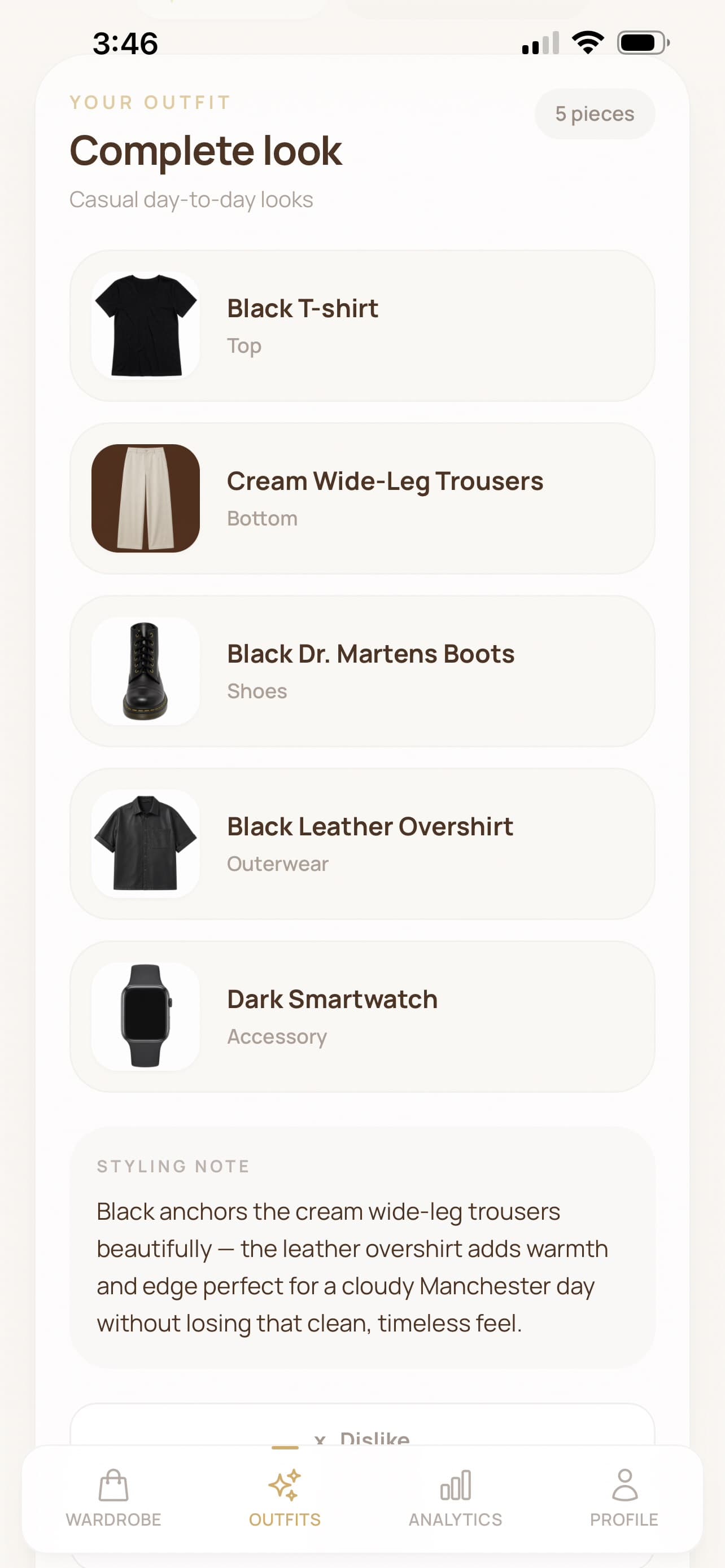
Choose the occasion. Add a plan if you want. Flare combines approved wardrobe items and explains the look in simple styling language.
Start with a few photos.
Keep only what is right.
Create a look from owned items.
Questions
No. Start with a few clear photos. Add more clothes when you want better outfit options.
You can edit the name, colour, and item type before approving it. Flare only uses approved wardrobe cards for outfits.
No. The current product focuses on outfits from clothes you already own.
Approval keeps the wardrobe trustworthy. You decide which detected clothes become real wardrobe cards.
Yes. Flare is an installable web app, so you can add it to your phone or desktop from your browser.
Review what Flare finds, approve the clothes that belong, then create outfits from your wardrobe.
3-day trial. Subscription plans are shown before purchase.